
 We accept Interac e-Transfer
IPTV basics
What Is IPTV? How Internet TV Works, in Plain Words
IPTV explained without jargon: where the channels come from, what your login and player app each do, and how it compares with cable, satellite and streaming apps.
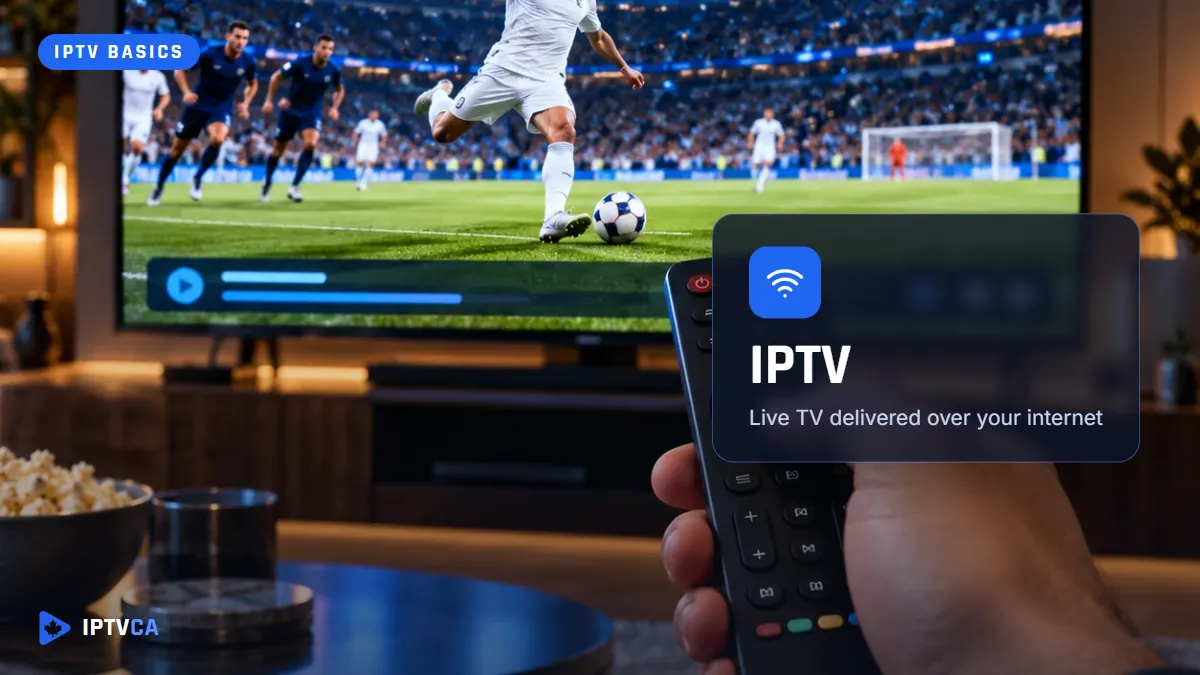
IPTV, short for Internet Protocol Television and sometimes written “IP TV”, is television delivered over an internet connection instead of a cable, a satellite dish or an antenna. A server sends each channel as a stream of data, and an app on your TV, streaming stick or phone receives it and plays it. Many Canadians already use IPTV without calling it that: Bell Fibe TV and Telus Optik TV run on the provider's own internet line. Subscriptions like ours run over the ordinary internet, so they work with any internet provider.
How IPTV Works, Step by Step
Think of cable as a firehose: every channel flows down the wire into your home all the time, and your box picks one. IPTV works more like a tap. Nothing comes through until you ask for a channel, and then only that channel travels to you.
- The provider's servers take in the channels and turn each one into an internet video stream.
- Your subscription gives you a login: usually a server address, a username and a password.
- A player app on your device uses that login to load the channel list, the TV guide and the on-demand library.
- When you choose a channel, the app requests that one stream and starts playing it a few seconds later.
Because only the channel you watch is sent, the quality you see depends on your internet connection at that moment, not on how many channels are in the line-up.
The Login and the App Are Two Different Things
This is the part that confuses most newcomers. The subscription is a key; the player app is the door you use it on. The app (IPTV Smarters, TiviMate, iMPlayer and others) contains no channels at all. It only plays what your login opens.
That separation is useful. If one app feels slow on your TV, you can try another and keep the same subscription. And if you change TVs, you install an app on the new one and type the same login.
Logins come in two common forms. An Xtream Codes login (server, username, password) loads live channels, the guide and the movie library together. An M3U link is a playlist: a long list of addresses, one per channel, that the app reads.
IPTV vs Cable, Satellite and Streaming Apps
| Service | Arrives through | What you need at home | Live channels? |
|---|---|---|---|
| Cable TV | A coaxial line from the cable company | The company's box, often rented | Yes |
| Satellite | A dish on the roof or balcony | Dish, receiver and installation | Yes |
| IPTV subscription | Any internet connection | An app on a device you already own | Yes, plus an on-demand library |
| Streaming apps (Netflix, Crave) | Any internet connection | Each service's own app | Mostly on-demand, some live sports and news |
The practical difference for most homes: IPTV needs no installation visit, works in apartments where dishes aren't allowed, and moves with you when you move.
The Three Things You Need
- An internet connection. Plan on about 25 Mbps per screen for HD and 50 Mbps for 4K. The 4K guide explains why 4K asks for more.
- A device with a player app: a Fire TV Stick, an Android TV or Google TV device, a Samsung or LG smart TV, a Roku, an Apple TV, iPhone or iPad, a phone or a computer.
- A subscription, which gives you the login.
That's the whole list. There is no dish, no technician, and no special box to buy; if you've seen “IPTV boxes” advertised, here is what they really are.
Is IPTV Legal?
The technology is, without question: Canada's largest TV providers use it. Whether a particular service is legal depends on whether it has the rights to the channels it streams. We explain the law, the court cases and the risks in Is IPTV legal in Canada?
IPTV Words You'll Run Into
- EPG: the electronic programme guide, the TV listings inside your app.
- VOD: video on demand, the movies and series you start whenever you like.
- Connections (or screens): how many devices can play at the same moment on one subscription.
- Buffering: the pause you see when the stream arrives more slowly than it plays.
- Player: the app that plays your subscription. It is not the service itself.
- Provider: the company that sells the subscription. Many resell the line-up of a larger supplier; we explain what that means for you in how to choose an IPTV provider.
Questions
Frequently Asked Questions
What does IPTV stand for?
Internet Protocol Television: TV sent over an internet connection, using the same protocol as the rest of the web, instead of cable, satellite or antenna.
Is IPTV the same as Netflix?
Not quite. Netflix is mostly on-demand titles from one company. An IPTV subscription is built around live channels, with an on-demand library on top.
Does IPTV work with any internet provider?
An IPTV subscription runs over the ordinary internet, so it works with Bell, Rogers, Vidéotron, Telus, a smaller provider or a mobile hotspot, as long as the speed is there.
Can I watch IPTV on more than one TV?
Yes. Install the app on each TV and use the same login. Your plan decides how many can play at the same time: IPTVCA plans cover 1 to 4 screens.
Try IPTVCA Free for 24 Hours
Test the channels on your own TV, then choose a plan from $19 CAD. No credit card.