
 We accept Interac e-Transfer
IPTV installation guide
How to Set Up IPTV on Apple TV, iPhone and iPad
Everything you need is in the App Store. Install a player, log in once, and watch on the big screen or on the go.
To set up IPTV on Apple TV, iPhone or iPad, install an IPTV player such as iMPlayer or Smarters Player Lite from the App Store, open it, choose Xtream Codes and enter the server URL, username and password from your IPTVCA email. No jailbreak is needed, and you can also AirPlay from your iPhone to an Apple TV.
Best IPTV players for Apple
| Player | Where to get it | Good to know |
|---|---|---|
| iMPlayer | App Store (iPhone, iPad, Apple TV) | Clean design and a good TV guide. Some features are part of its premium version. |
| Smarters Player Lite | App Store (iPhone, iPad, Apple TV) | Simple Xtream Codes login, easy for beginners. |
These players are made by other companies. We don't sell them or their licences; your IPTVCA plan is the login you enter in them.
Step 1: Install a player from the App Store
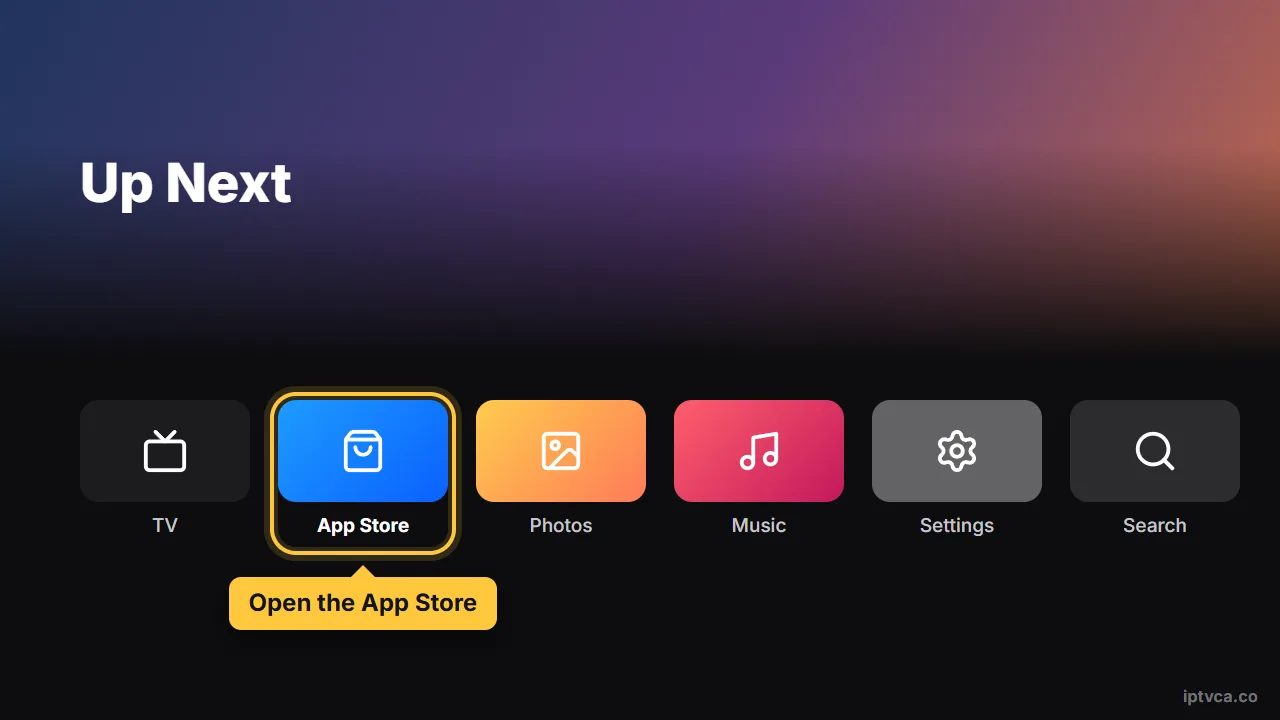
- Open the App Store
On Apple TV, iPhone or iPad.
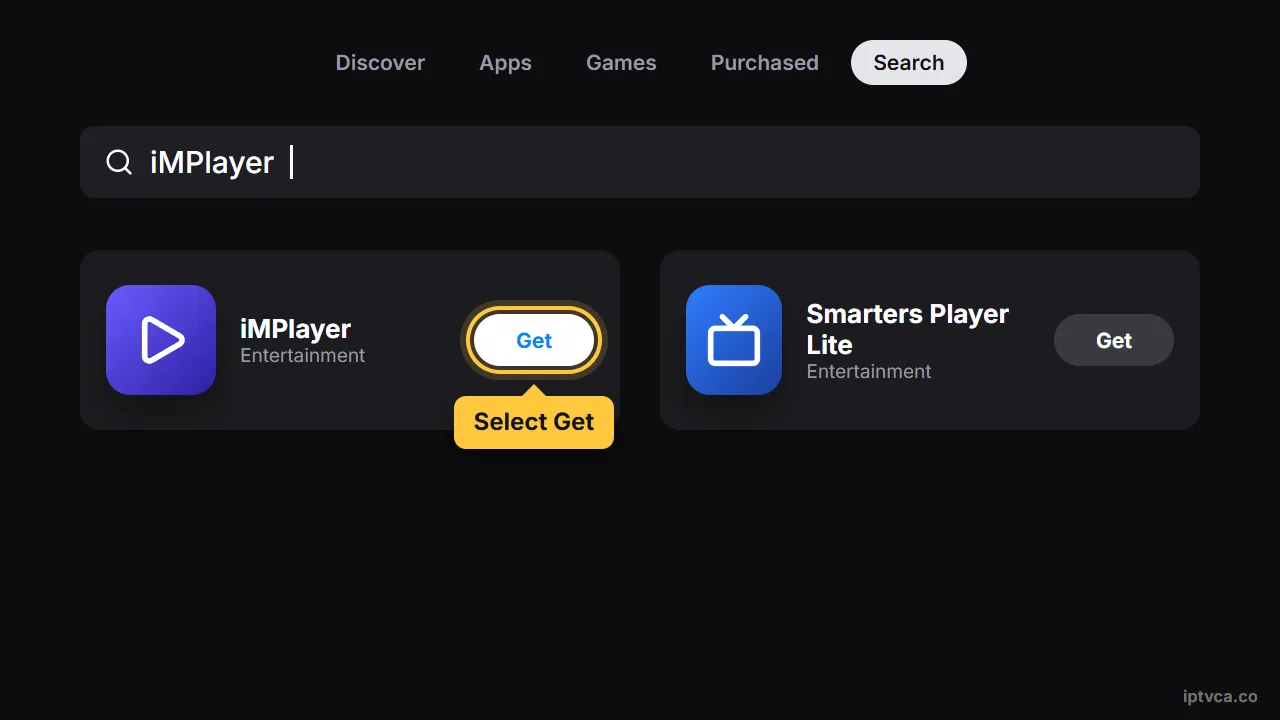
- Search for the player
Type iMPlayer or Smarters Player Lite and select Get.
Step 2: Log in
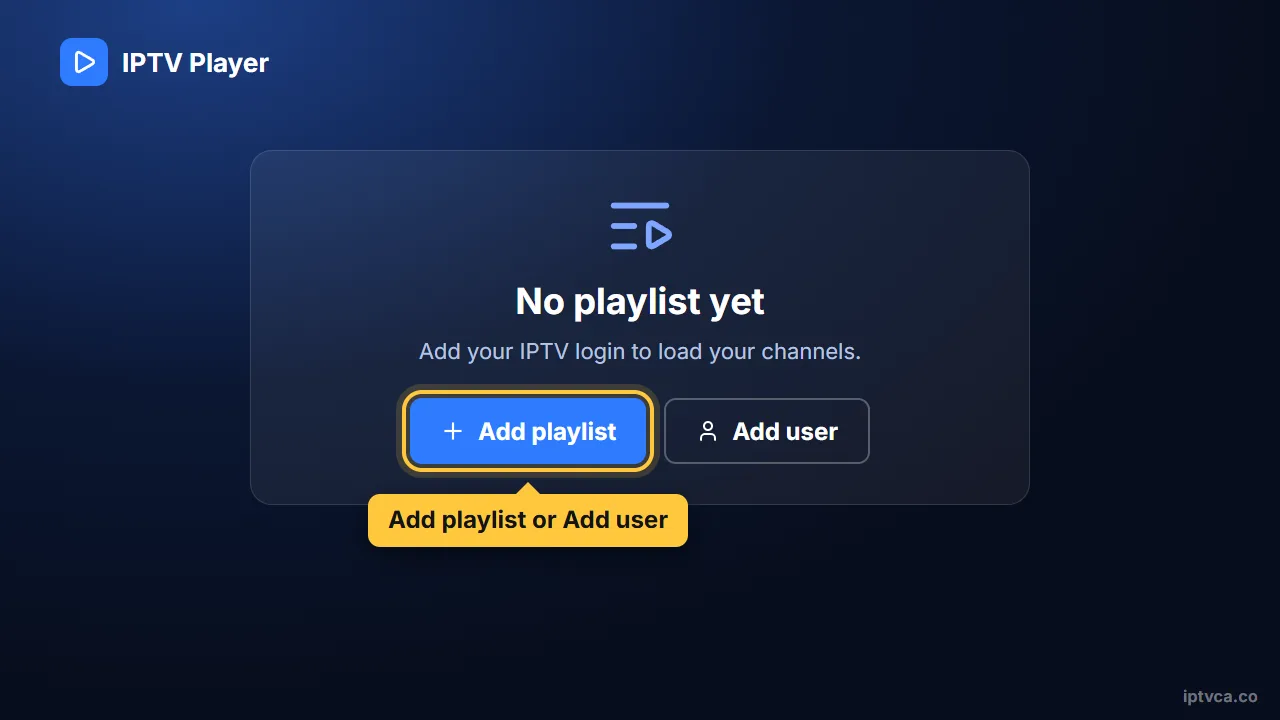
- Open the app and add a playlist
Choose Add playlist or Add user.
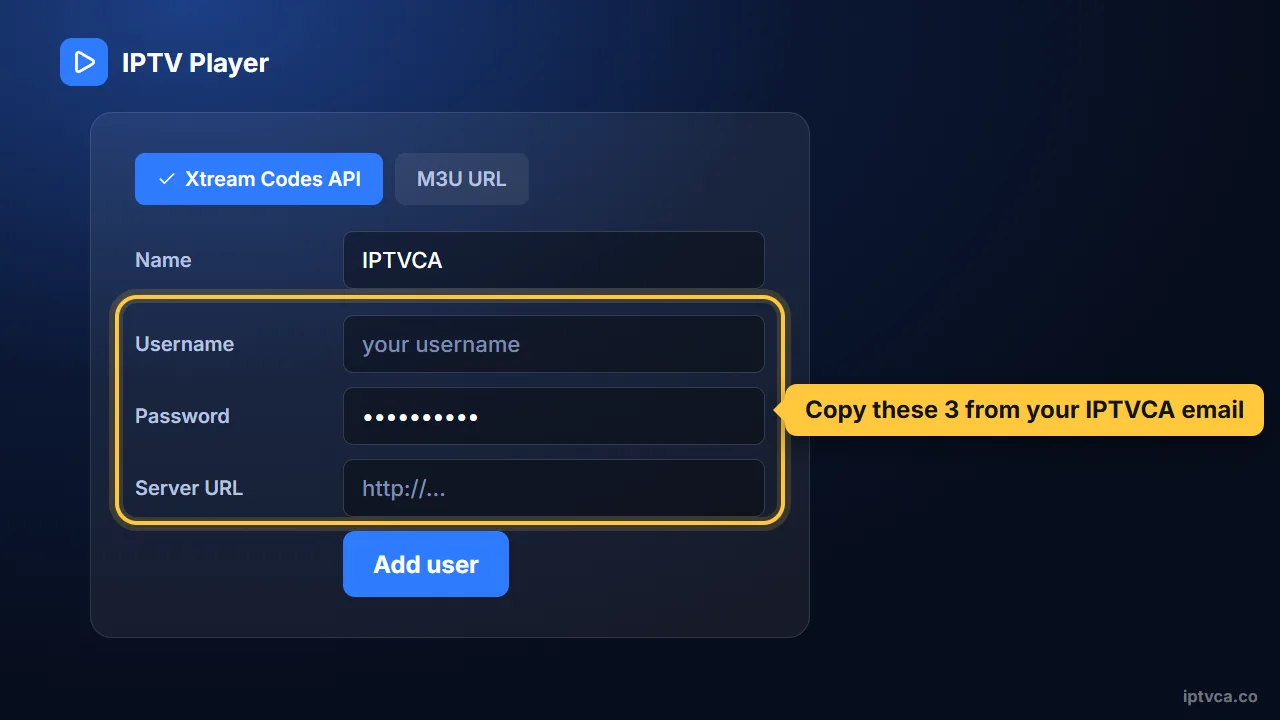
- Log in with your Xtream Codes details
Choose “Xtream Codes” (sometimes “Login with Xtream Codes API”). Type the server URL, username and password exactly as they appear in your IPTVCA email, including capital letters, then save. Channels, the TV guide and the movie library load on their own; the first load can take a minute or two.
Step 3 (optional): AirPlay to your TV
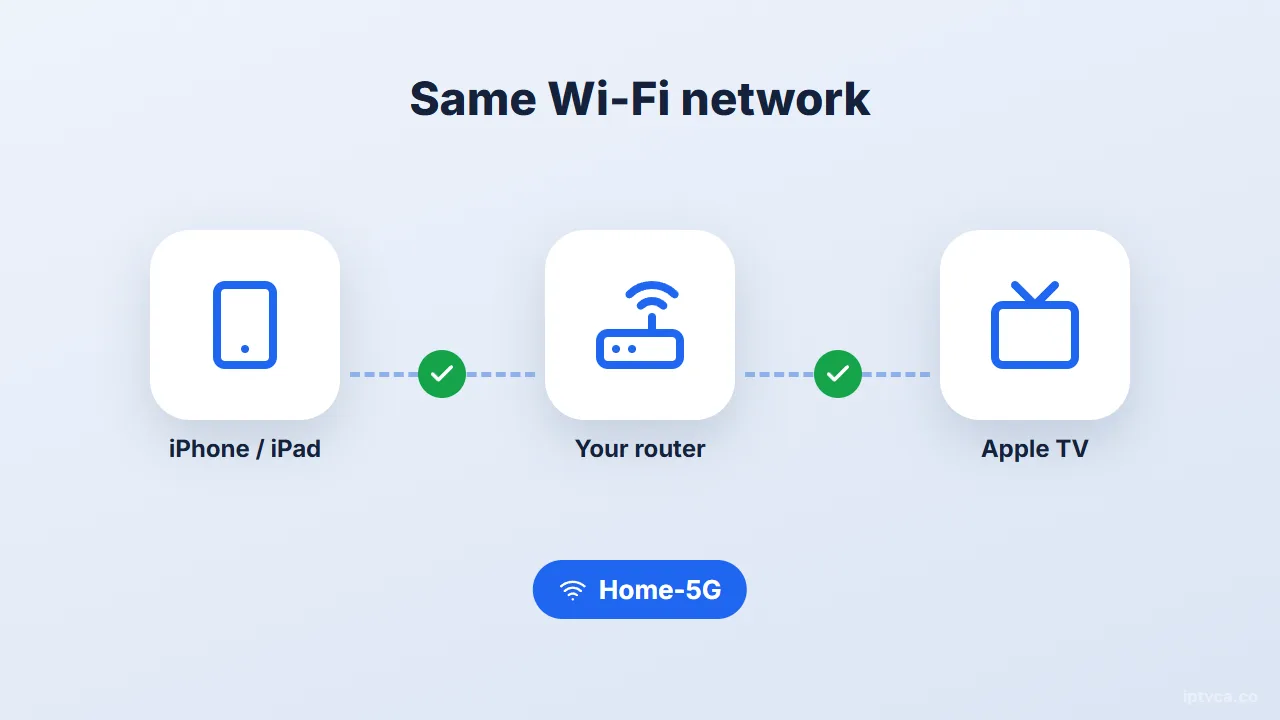
- Connect to the same Wi-Fi
Your iPhone or iPad and the Apple TV (or AirPlay-compatible TV) must be on the same network.
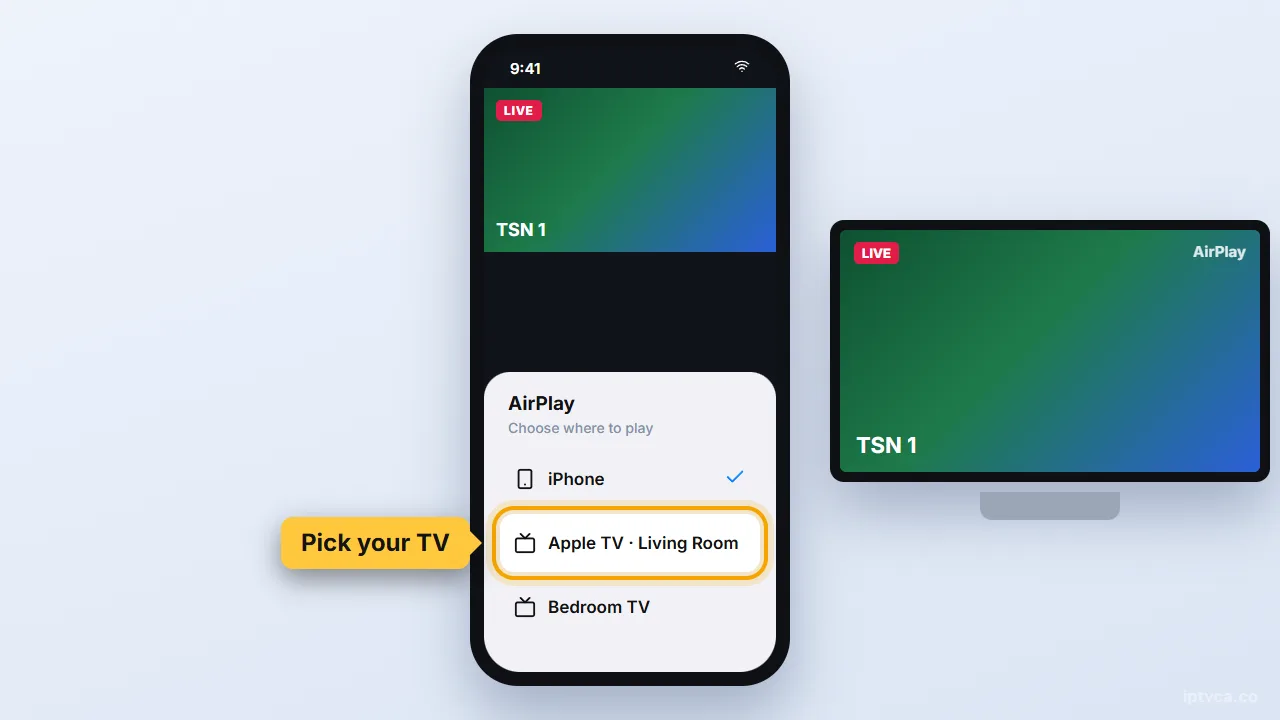
- Tap AirPlay
Start a channel in the player, tap the AirPlay icon and pick your TV.
Tips for the best picture
- Apple TV 4K on a cable gives the best picture for 4K channels.
- Around 25 Mbps per screen is comfortable for HD and 50 Mbps for 4K. A wired connection, or Wi-Fi on the 5 GHz band close to the router, prevents most buffering.
- On iPhone, allow the player to use mobile data only if your plan has enough data: HD streaming uses several gigabytes per hour.
Apple IPTV troubleshooting
- “Invalid credentials”
Check capital letters and remove any space pasted at the end of the username or password.
- The guide is empty
Refresh the EPG in the app settings and give it a few minutes.
- AirPlay shows a black screen
Some players block AirPlay for certain streams. Install the player directly on the Apple TV instead.
Stuck? Email support@iptvca.co with your device model and the app you use. We answer in English and French. Contact support.
Other devices
Set Up IPTV on Another Device
Every guide uses the same IPTVCA login.
- Fire TV StickFire TV Stick, 4K, 4K Max, Lite, Fire TV Cube, Fire TV smart TVs
- Android TV & Google TVGoogle TV Streamer, Chromecast with Google TV, Nvidia Shield, Sony, TCL, Hisense, Android boxes
- Samsung & LG Smart TVSamsung (Tizen), LG (webOS), Hisense VIDAA and other smart TVs
- RokuRoku TV, Roku Streaming Stick, Express, Ultra
- Apple TV, iPhone & iPadApple TV HD & 4K, iPhone, iPad
Questions
IPTV on Apple: Quick Answers
What is the best IPTV app for iPhone and iPad?
iMPlayer and Smarters Player Lite are both in the App Store and work with our Xtream Codes login. iMPlayer has the nicer guide; Smarters Player Lite is the simplest.
Do I need to jailbreak my iPhone or Apple TV?
No. The players are regular App Store apps.
Can I watch on my iPhone outside Canada?
Your login works on any internet connection. Keep in mind that streaming on mobile data uses a lot of data.
Can I test the setup before I pay?
Yes. Ask for the free 24-hour trial: you get a real login, so you can install the app, check your channels and picture quality, and only choose a plan afterwards.
Try It on Your Apple for Free
Get a 24-hour trial login, follow this guide, and check your channels before you pay. Plans from $19 CAD.