
 We accept Interac e-Transfer
Devices
IPTV Box in Canada: Do You Need One, and Which to Buy?
“IPTV box” is mostly a sales word. What really plays IPTV, the boxes worth paying for, where to buy them in Canada and the “fully loaded” ones to walk away from.
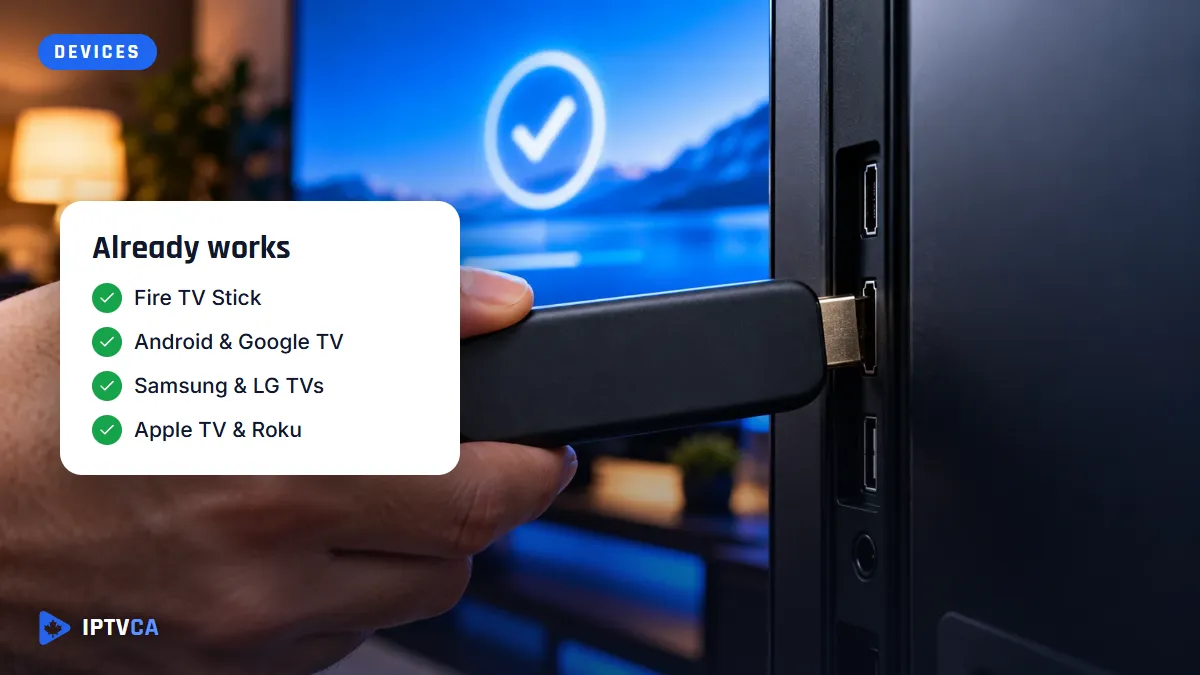
No, you don't need an IPTV box. Anything that runs a player app plays an IPTV subscription: a Fire TV Stick, an Android TV or Google TV device, a Samsung or LG smart TV, an Apple TV, a phone or a computer. A dedicated box such as an Nvidia Shield, a Formuler or a BuzzTV is worth buying only if you want an Ethernet port, faster menus or a remote made for live TV. Skip any box sold “fully loaded” with channels: you can't tell who runs the service inside it, and Canadian courts have ordered retailers to stop selling them.
“IPTV Box” Is a Sales Word, Not a Requirement
There is no special IPTV signal that only a special box can read. An “IPTV box” is a small Android computer with an HDMI port. It runs the same player apps you can install on a TV stick or a smart TV.
So when a site offers “IPTV with a box”, it is selling you two separate things in one bundle: a piece of hardware, and a subscription that would work just as well on hardware you already own. Buy them separately and you know exactly what you paid for each.
You Probably Own an IPTV Box Already
Check the list before you spend anything. Each one has a step-by-step guide:
- Fire TV Stick or Fire TV Cube: the most common choice in Canada.
- Android TV and Google TV: Sony, TCL and Hisense TVs, the Google TV Streamer, the Nvidia Shield.
- Samsung and LG smart TVs: a player from the TV's own app store, no extra device.
- Roku: works, with fewer player apps to choose from.
- Apple TV, iPhone and iPad: players from the App Store.
When a Dedicated Box Is Worth the Money
Three situations justify buying a device just for IPTV:
- Your Wi-Fi struggles. A box with an Ethernet port, wired to the router, fixes more buffering than any setting.
- Your smart TV is old or slow. If menus lag or the player you want isn't in its app store, a streaming stick costs far less than a new TV.
- Live TV is your main use. Boxes from Formuler or BuzzTV come with remotes that have real channel and guide buttons.
| Device | Ethernet port | 4K | Best for |
|---|---|---|---|
| Fire TV Stick 4K / 4K Max | No (adapter sold separately) | Yes | Starting cheap |
| Google TV Streamer | Yes | Yes | Android players such as TiviMate |
| Nvidia Shield TV Pro | Yes | Yes | Fast menus and the widest app choice |
| Apple TV 4K (Wi-Fi + Ethernet) | Yes | Yes | Homes already on Apple |
| Formuler and BuzzTV boxes | Yes, on most models | Yes, on most models | A remote built for live TV |
| Roku Ultra | Yes | Yes | Homes already on Roku |
Whatever you pick, a 4K box only shows 4K when the rest of the chain allows it. Our 4K IPTV guide covers the cable, the connection and the settings.
The Boxes to Walk Away From
- “Fully loaded” boxes. They arrive with channels already set up by someone you can't identify. In 2016 the Federal Court ordered retailers of these boxes to stop selling them; our article on IPTV and the law has the details.
- “Free TV forever” boxes. Somebody pays for the servers. When nobody does, the box goes dark and the seller is gone.
- Boxes that only install apps from their own store. You can't update or change the player, and you can't check what the apps do.
- MAG boxes, if you plan to use IPTVCA: they log in through a portal tied to the box's MAC address, and we don't support them.
Where to Buy an IPTV Box in Canada
The streaming devices in the table are ordinary electronics. Best Buy, Staples and Walmart carry Fire TV, Google TV, Apple TV and Roku devices, in stores and online, and Amazon.ca sells them too. Formuler and BuzzTV boxes are sold mostly through online shops and specialty dealers.
Buy the device on its own, from a store with a return policy, then add the subscription of your choice. If a seller near you insists the box and the channels only come together, that is the bundle described above.
One more word you'll hear: “recharging” a box. It means renewing the subscription, not the box. With IPTVCA you simply order a new period from the plans page; the device stays exactly as it is.
Questions
Frequently Asked Questions
Do I need a box to use IPTVCA?
No. A Fire TV Stick, an Android or Google TV device, a Samsung or LG smart TV, an Apple TV, a Roku, a phone or a computer is enough. We don't sell boxes.
What is the best IPTV box in Canada?
For most homes, a Fire TV Stick 4K Max. If you want an Ethernet port, a Google TV Streamer or an Nvidia Shield TV Pro. For a remote made for live TV, a Formuler or BuzzTV box.
Can I use a MAG box with IPTVCA?
No. MAG boxes log in through a portal linked to the box's MAC address, which our service doesn't support. Use any of the devices with a player app instead.
Is it legal to buy an Android box?
Yes. The box is ordinary hardware. What courts have stopped is the sale of boxes pre-loaded to stream channels without the rights holders' permission.
Try IPTVCA Free for 24 Hours
Test the channels on your own TV, then choose a plan from $19 CAD. No credit card.